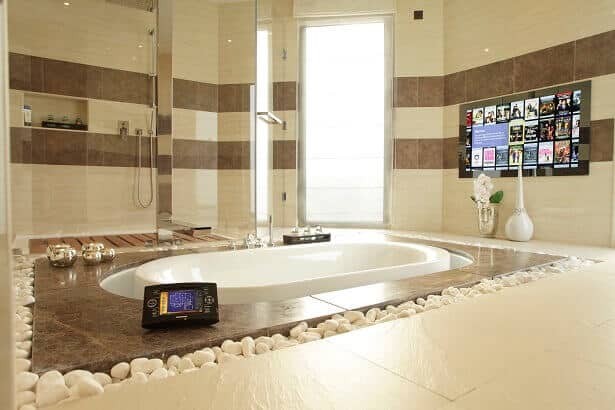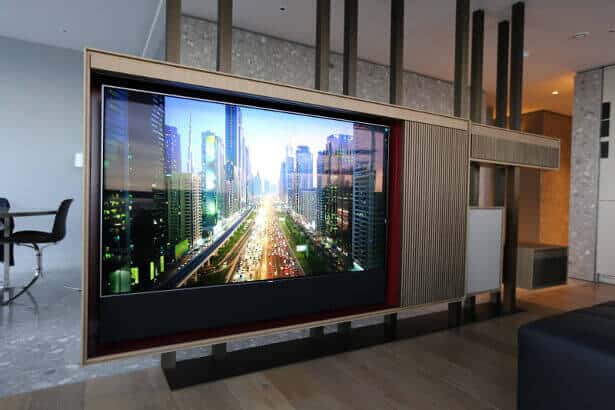
Crestron Dealer & Installer

Crestron Dealer, Installer & Supplier | London | Cheshire | Dubai

The UK’s Best Crestron Dealership | Programming, Installs, Maintenance & Support | Since 1998
Since becoming a Crestron dealer in 1998 we have specialised in designing, programming and installation of high end systems for large homes, yachts and high end offices. Our systems are reliable, flexible and powerful. In addition to new projects we often take on support and maintenance of systems installed by others. Our designs are modular and can incorporate a huge variety of elements from lighting controls and home automation through to multi-room audio video – we have even controlled fire pits and swimming pools on past projects. We have access to the excellent Crestron Showroom in London – contact us to arrange a visit.
Industry Leading Crestron UK Support and Maintenance
Our systems are designed with ongoing reliability in mind. We are notified of any issues and maintenance requirements automatically ensuring we can deal with anything before a client is aware – whether it’s a need for a new bulb in a projector or a power breaker has taken some lighting circuits off line. This pro-active approach makes us unique in the custom installation industry – we employ pro-active support which produces happy clients project after project. As a result, our reputation is so good we regularly take over support of systems installed by other companies – working to bring them up to our high standards before providing on going support. The majority of our take over jobs are located in London but we do work worldwide – as evidenced by our extensive portfolio.

Home
Automation

Lighting
Controls

Audio Video

Programming

Renewable Energy

Support
Crestron Home Automation System Specialists
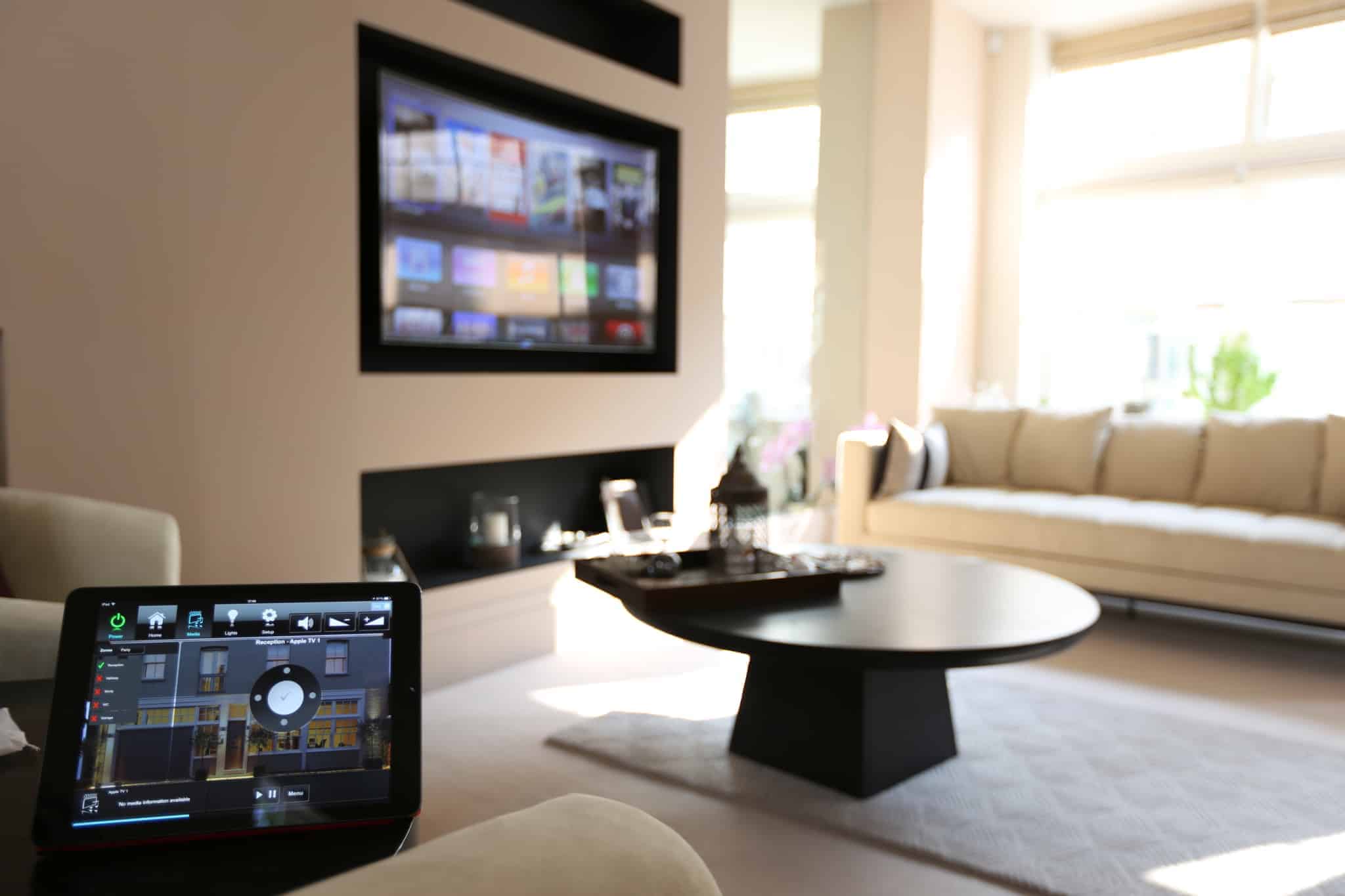
A Crestron system can add convenience and simplicity to your home and life. The central automation processor sits over electrical systems in your home – either Crestron or 3rd party ones – and ensures they work to make your home a nicer place to be. Our systems often include multi-room audio video systems, lighting controls, electronic curtains and heating (and cooling where relevant). All these systems are easily controlled by an on-wall touchpanel, a remote control or an iPhone/iPad and each system works in harmony with the others. Our systems excel in larger homes by easily controlling lighting for huge areas at the touch of a button or automatically closing blinds around the property at nightfall. Our systems are extremely flexible and we love working with clients to design a system which delights them.
Crestron Audio Video Systems
Crestron manufacturer the most flexible and powerful audio video systems available. The new Crestron NAX audio system is an IP based audio system which is infinitely scalable with each amplifier being powerful enough to drive the most demanding speakers. Being IP based each channel of audio can be its own audio source with Spotify, Apple Music etc built in to each individual channel. A hugely flexible solution to audio distribution. The tried and tested Crestron NVX video distribution allows 4K video sources to be encoded and distributed via an IP network before decoded at the display with no loss of quality. The NVX system is infinitely scalable allowing truly flexible video solutions – any decoder can access any encoder for total flexibility. This flexibility also means any network point can become an input for a games console for example!
Crestron Lighting and Electronic Blinds / Curtains
Crestron lighting is one of the most flexible lighting control solutions on the market with options for both new build and retrofit projects. Any type of light fitting can be controlled and integrated in to lighting scenes which are easily recalled by tapping a lighting keypad. Clients can easily configure lighting scenes using either an iPad or an Crestron touchpanel. Electronic blinds and curtains work with the lighting control system to create the perfect environment – the lighting system can even close blinds to compensate for solar gain, controlling temperatures naturally. We design our lighting systems before construction starts and deliver ready to go DIN rail cabinets for site electricians to work with as they install lighting channels.
Crestron and Lutron: The Combination We Specify Most
While Crestron offers excellent native lighting control, the majority of our high-end projects pair Crestron with Lutron for lighting and shading. Lutron has been building dedicated lighting control systems since 1961 — longer than any other company — and the quality of their dimming technology, keypad design and long-term reliability reflects that singular focus. When clients want the very best lighting system inside the very best automation platform, Crestron and Lutron together is the answer.
For large new builds and major renovations, we specify Lutron Homeworks QSX alongside Crestron. QSX gives us unlimited lighting zones, the full Lutron designer keypad range — Alisse, Palladiom, Avienna — and native Ketra full-spectrum lighting, all controlled from a single bespoke Crestron interface. For retrofit projects where rewiring is not possible, Lutron RadioRA 3 integrates fully with Crestron and delivers the same quality result without a cable being pulled.
Custom Controls are certified dealers for both Crestron and Lutron. It is a combination we have installed on projects across London, Cheshire and internationally, and the one we know best.
FIVE times Crestron Integration Award Winners:
We are extremely proud to have won the prestigious Crestron Integration Awards for Five Consecutive years – making us unique in EMEA and awarding us Dealer of Distinction status.

Derby
Dubai
Claridge’s

Manchester

Baker St
More…
Crestron Installers by Location
We have dedicated Crestron installer pages for each of our key locations. Whether you are based in London, Cheshire, Dubai or the French Alps, follow the link to find location-specific information, case studies and contact details.
- Crestron Installer London — Mayfair, Knightsbridge, Chelsea, Kensington, Belgravia, Notting Hill, Hampstead and all London postcodes
- Crestron Installer Cheshire — Alderley Edge, Wilmslow, Prestbury, Knutsford, Hale, Bowdon and the wider North West
- Crestron Installer Dubai — Emirates Hills, Palm Jumeirah, District One, Al Barari and across the UAE
- Crestron Installer Alps — Morzine, Les Gets, Châtel, Megève, Méribel, Courchevel and across the French and Swiss Alps
Smart Homes in London | Cheshire | Dubai – working Worldwide
We have teams of trained and accredited engineers available in London, Cheshire and Dubai – working on designing, programming and installing systems full time to deliver projects we can be proud of. Our London office – behind St Pauls – covers the whole of the South of England and our Manchester office tends to cover Manchester and Cheshire. We regularly work abroad.
Crestron at Scale — A Whole-Estate Installation in Dubai

Our most celebrated Crestron case study — and the project that won us the Crestron Integration Award for Best International Project — is a complete Crestron system spanning two large villas, extensive gardens, a swimming pool, a basketball court, a lake and a stream on a private estate in Dubai. Eight Crestron processors provide integrated control throughout — distributing audio to 72 zones, video to 32 zones and managing well over 400 lighting channels across both villas and the grounds. Five surround sound zones, five Kaleidescape movie servers, four Apple TVs, 24 audio sources and a full Crestron Sonnex audio distribution system serve the family villa, the guest villa, staff areas, offices and classrooms simultaneously.
The scope of this project is perhaps best illustrated by its details: the basketball court has four cabinet speakers mounted on the floodlights with two sunken subwoofers; the garden fire pits are Crestron-controlled; the gym features Artcoustic speakers enhanced by subwoofers; and the master bedroom suite houses a bespoke Stax headphone system with a valve amplifier and DaVinci DAC for private listening. The dedicated home cinema room in the family villa seats eight in Cineak chairs with backlit Onyx tables, with a 3.5m screen and 17 channels of surround sound. It is, in every sense, one of the most comprehensive Crestron installations ever delivered in the residential market — and the case study documents it in full.
Read the full case study — Huge Crestron Installation, Dubai →
Visit the Crestron Showroom in London – The Best Home Automation Showroom in London
As London based Crestron Specialists we love taking clients to the Crestron Showroom London. The Showroom resembles a high end apartment packed with the latest technologies – it’s a great way to show clients the possibilities and allows them to choose elements which they would like to add to their home. Being able to view different sizes of touchpanel and different lighting keypads is very worthwhile when trying to chose between control surfaces for your smart home project.
As Crestron Dealers of Distinction we offer maintenance, support and new installations throughout the London and South East area from our London office.
The address of the showroom is:
TIG Crestron London Experience Space
WeWork
Fifth Floor
No 1 Poultry
London
EC2R 8EJVisits by Appointment only please – call 020 3012 0321
Further Reading
For those interested in a Crestron system we would recommend browsing these main pages: Crestron Dealership, Crestron Smart Home Automation, Audio Video, Lighting Controls, Programming and Renewable Energies, Maintenance & Support, we have a number of Crestron related Blog articles: Crestron Remotes & Touchpanels, Crestron Home, Crestron Intercoms, Crestron Voice Controls, Crestron for Disabled Clients plus many more on the Blog!