Meraki, Ruckus, Pakedge or UniFi for a Large Home?
How the four enterprise platforms compare
Published November 2026 · Custom Controls · Home network and smart home specialists since 1998
Ask ten installers which network platform is best for a large home and you will receive ten confident answers, most of them shaped by whichever brand that installer happens to sell. We specify four enterprise platforms: Cisco Meraki, Ruckus, Pakedge and Ubiquiti UniFi. Each is a serious system with central management, proper VLAN support, seamless roaming and the monitoring a large property needs, and each is a very different proposition from the consumer router and mesh kit that most houses begin with.
The honest answer to which of the four is best is that it depends on the property, the people who will look after it and what is already installed. The platform matters, but it matters less than the design: where the access points go, how the network is cabled, how it is divided into zones and how it is documented. A well-designed network on any of the four will outperform a badly designed network on the most expensive of them.
This guide explains what the enterprise platforms have in common, where they differ in ways that matter to a household, what to ask about licensing and continuity, how the Wi-Fi 6E and Wi-Fi 7 generation affects the decision, and how we choose between them. It supports our managed home network and network takeover services, which work across all four.
What Makes a Platform Enterprise-Grade
The word enterprise is overused, so it helps to say what it means in a home. An enterprise platform lets one person manage every access point, switch and gateway from a single interface, rather than logging into each device separately. It lets the network be divided into zones, with different rules for the family, guests, staff and the systems that run the house. It manages roaming so that a phone moving through the house stays connected to the best access point without dropping a call, and it reports on the health of every device so that faults are seen before they are felt.
It also lets the equipment be managed remotely. A platform that can be monitored and configured from outside the property is what makes proactive care possible: we see that an access point has gone offline, or a backup connection has taken over, and fix it without the household needing to do anything. Consumer systems, including most mesh kits, give limited visibility and limited control, which is why they struggle on large properties and are hard to support when something goes wrong.
All four platforms meet these requirements. The differences are in how they are managed, how they are licensed, how their features are named and configured, who supports them and how comfortable the installer is with them. Those differences are the substance of the comparison.
Cisco Meraki
Cisco Meraki is a cloud-managed platform: the access points, switches and security appliances are configured and monitored through the Meraki dashboard, and a change made there reaches the devices wherever they are. For a portfolio of properties, such as a London house, a country estate and an Alpine chalet, that single dashboard is a real advantage, and the platform has a reputation for being easy to operate and consistent from one site to the next.
Meraki’s cost model is the thing to understand before choosing it. The devices require a valid licence to be managed through the dashboard, under Meraki’s co-termination, subscription or per-device licensing models. Cisco’s documentation says that an organisation whose licence has expired can no longer be managed, and that a co-termination licence has a grace period after expiry. For a home, that means a licence is a continuing commitment, with renewal dates that someone must track, and the network’s manageability depends on keeping them current.
On features relevant to large homes, Meraki provides identity pre-shared keys for assigning devices to VLANs by passphrase, and Bonjour forwarding to relay discovery between VLANs on its access points and security appliances. It supports Wi-Fi 7 on its recent access points. It is a strong choice where central cloud management, many sites and a consistent operating model matter more than avoiding recurring licence costs.
 Managed Home NetworkMonitoring, updates and support across all four platforms.
 Network Takeover and SupportTaking responsibility for a network installed by someone else.
 Network Audit and RescueAn independent review of an existing network.
 Wired Wifi vs Mesh WifiHow wired, mesh and hybrid networks compare in a large home.
 Home Network and WifiThe full range of wifi and network services.
Ruckus
Ruckus has long been regarded as a leader in wireless engineering, particularly for its antenna design and its performance in difficult radio environments. That matters in large homes with thick stone walls, many floors and demanding device counts, where raw wireless behaviour is often the limiting factor. It offers controller-based and cloud-managed options, and a per-device key feature called dynamic pre-shared keys that assigns devices to VLANs.
The point to weigh with Ruckus is the company behind it. Ruckus has changed hands several times: it was acquired by Brocade in 2016, then by ARRIS, and then by CommScope in 2019, and announced further corporate changes in 2026. None of that alters how a Ruckus network performs today, but for a network expected to be supported for a decade or more, it is sensible to understand who stands behind the product and how its support and firmware are going to be maintained, and to confirm the current position at the time of specifying.
Ruckus is a good fit where wireless performance in a challenging building is the priority and the installer has deep experience with it. As with every platform, the controller design, licensing arrangements and support model differ between its product lines, so they are confirmed for each project.
Pakedge
Pakedge is the networking brand of Snap One, which supplies equipment and software to professional smart home integrators. It was designed with the home in mind, and it is closely tied to the integrator channel, including remote management through Snap One’s OvrC platform. That is relevant for a household that wants one company to look after the network, the control system, the audio and video and the security, because Pakedge is designed to be installed and supported by exactly that kind of firm.
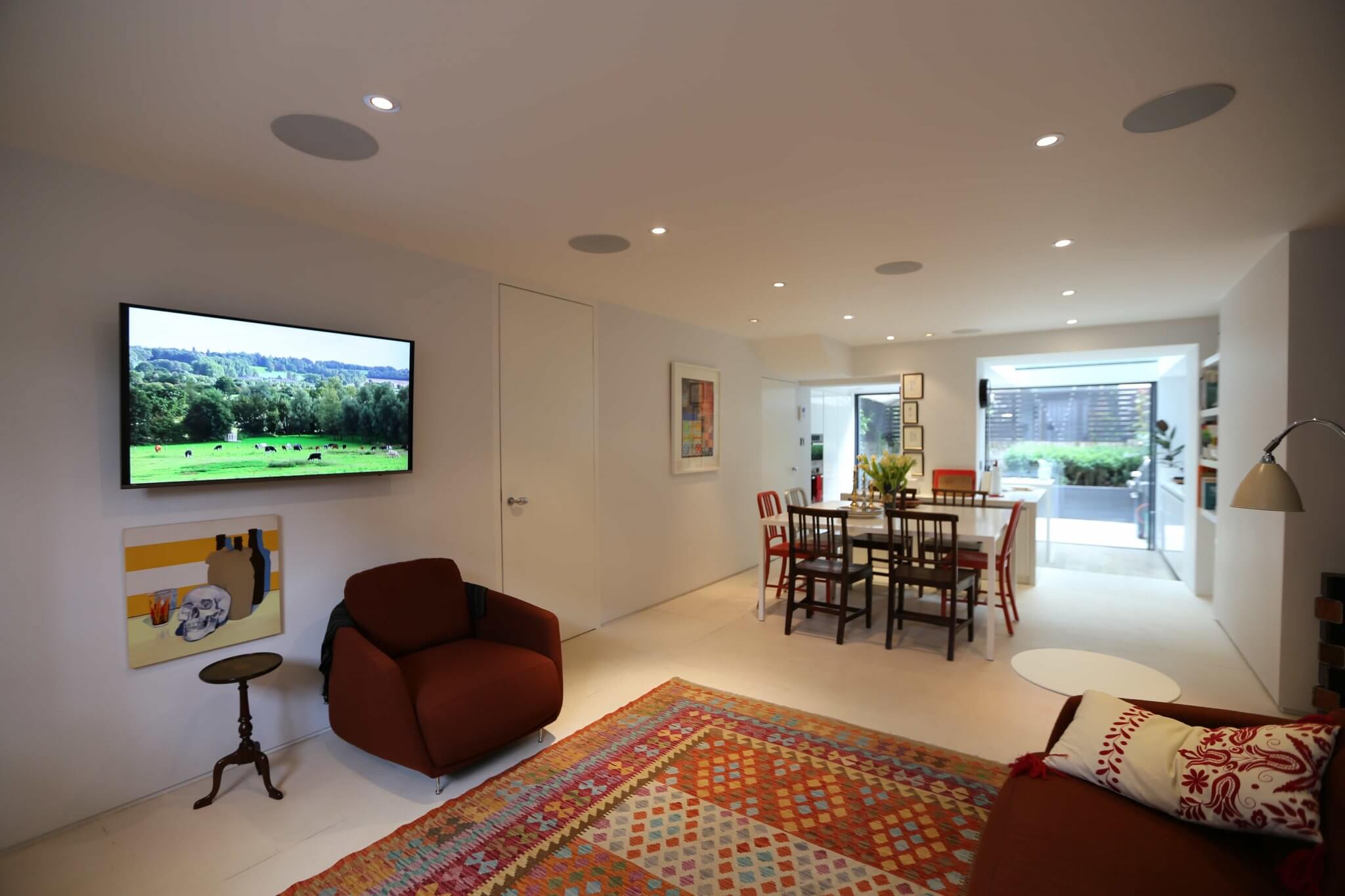
Ownership has changed here too. Snap One was acquired by Resideo, with the acquisition completed in June 2024, and integrated into Resideo’s ADI Global Distribution business. As with any change of ownership, the thing to ask is how the product line and its support will continue, and to confirm it when specifying. We have used Pakedge on projects including a Primrose Hill townhouse, where a Pakedge wireless LAN controller manages every access point across four floors as one network.
Pakedge suits properties where an integrator relationship is central, and where the network is one of several systems from the same supplier. Its feature set, including how it handles per-device keys and discovery relays, varies by model and firmware, so these capabilities are checked against the specific equipment.
Ubiquiti UniFi
UniFi is the platform that most people have heard of, and its reputation rests on a broad range of access points, switches and gateways managed from one application, with no per-device licence for the core management. Because the management software is included with the hardware, running costs are lower than with licensed platforms, and the range extends to cameras, door access and other devices managed in the same system. UniFi can be managed locally, from hardware inside the property, or through Ubiquiti’s cloud.
UniFi offers the features that matter for a large home: VLANs with per-device keys that place each key’s devices in a VLAN, and an mDNS proxy with automatic, off and custom modes for relaying discovery between networks. As with every platform, details such as which wireless security modes support per-device keys change with firmware and should be checked at the time of specifying, because they affect the devices that will connect.
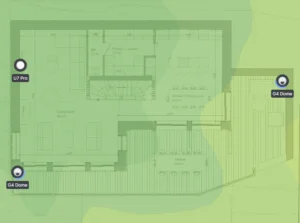
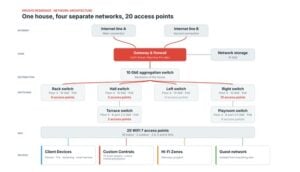
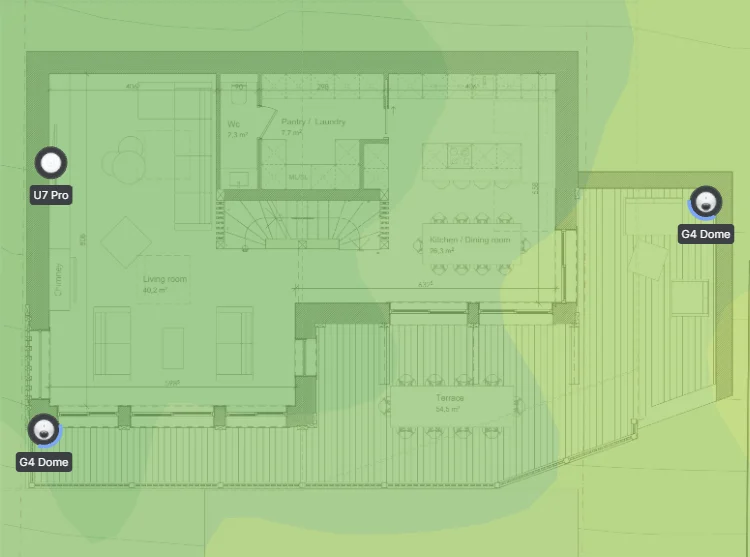
UniFi’s strength is flexibility and value, and its weakness is the flip side of the same thing: it is capable of being configured badly by anyone, and the quality of the result depends heavily on the engineer. It is an excellent choice in competent hands and a poor one where a well-meaning amateur has built the network. Our private residence UniFi network install shows it at work: 20 WiFi 7 access points and a 10 GbE backbone over three floors.
The Four Compared
The table sets out the points that affect a household. It is deliberately qualitative: features and licensing change, and the details belong in the specification for each project.
| Cisco Meraki | Ruckus | Pakedge | Ubiquiti UniFi | |
|---|---|---|---|---|
| Management | Cloud dashboard | Controller or cloud, depending on the product line | Controller and the OvrC remote platform | Local controller or Ubiquiti cloud |
| Licensing | Licence required to manage devices; expiry ends management | Depends on the management option | Check per product | No per-device licence for core management |
| Per-device keys to VLANs | Identity pre-shared keys | Dynamic pre-shared keys | Check per model | Private pre-shared keys |
| Discovery between VLANs | Bonjour forwarding | Available on controller platforms | Check per model | mDNS proxy |
| Particular strength | Central management across many sites | Wireless engineering in difficult buildings | Integrator-oriented, ties in with smart home systems | Breadth of range and value |
| Point to confirm | Licence renewals | Ownership and support | Ownership and support | Quality of configuration |
No cell in that table decides the question. Each is a reason to look closer, and the right answer is the one that fits the property and the people who will live with it.
The table also shows why a comparison of specifications alone is misleading. Per-device keys, discovery relays and VLAN support exist on all four, but they are named differently, configured differently and constrained differently by firmware and by the devices that connect. The skill is in knowing how each behaves in practice: which settings suit a house full of streaming boxes and which suit a house full of smart home controllers, and how to test the result from a real phone in a real guest bedroom before anyone relies on it.
Wi-Fi 6E and Wi-Fi 7 in a Large Home
Newer access points support Wi-Fi 6E and Wi-Fi 7, which add the 6 GHz band and, in Wi-Fi 7, channels up to 320 MHz wide and a feature called multi-link operation that lets a device use more than one band at once. In the UK, Ofcom has opened the lower 6 GHz band, from 5925 to 6425 MHz, for licence-exempt Wi-Fi, and has extended licence-exempt use to 6585 MHz, with further changes to allow outdoor and higher-power use under automated coordination. That gives a large home more clean spectrum than 5 GHz offers.
The headline speeds need a sense of proportion. Wi-Fi 7’s highest modulation rate only works at very short range with an excellent signal, and a 320 MHz channel takes up most of the spectrum available, which leaves little room for several access points to avoid each other. In a large home with many access points, narrower channels are often the better design, because a network full of overlapping wide channels performs worse than one with carefully chosen, narrower ones. The benefit of new hardware is real, but it comes from better design, wired backhaul and good channel planning, not from the largest number on the box.
Which generation of access point each platform currently offers changes quickly, so we check the current range when specifying, and we would rather choose a platform with a dependable product line than chase the newest access point on one with an uncertain future. The cabling is the long-term investment, and Category 6A cable to every access point position supports whatever generation is installed next.
Support, Continuity and Who Can Look After It
The most important question about a platform is who will look after it in ten years. A network installed on a platform only its installer understands is a risk to the household, if that installer retires, closes or loses interest. The questions to ask are: can a second competent engineer take over the system; is the documentation complete; are licences, where required, tracked and renewed; and is the manufacturer stable enough that support and firmware will continue.
This is the reason we work across four platforms and write everything down. Our network takeover service picks up networks installed by others on the platforms we specify, documents them and brings them under monitoring, and our managed home network service looks after them afterwards. Equipment from other makers is assessed case by case, and we say plainly where consumer-grade equipment cannot be managed to the standard a large property needs.
How We Choose
The platform is chosen at the end of the design, not the beginning. We start with the survey, the building’s construction, the number and kind of devices, the zones the property needs, how many sites will be managed and what is already in place. Where a network already exists on one of the four platforms and is sound, we usually keep it, because replacing good equipment for the sake of a brand is wasteful. Where a new network is being designed, the property’s requirements, the household’s preferences and the support arrangements decide.
- Scale and sites: a single house, an estate with several buildings, or a portfolio of properties managed together.
- What is already there: existing equipment and licences that are sound enough to keep.
- Wireless conditions: stone, steel, many floors and high device counts, which favour careful radio design.
- Running costs: whether licences are an acceptable recurring commitment for the property.
- Ecosystem: how the platform sits alongside cameras, access control and the smart home systems.
- Continuity: the manufacturer’s stability, the availability of competent support and the quality of the documentation.
The best network is the one that is designed well, installed properly, documented fully and supported by people who know it. Which logo is on the access point comes a long way down that list.
Frequently Asked Questions: Network Platforms
- Which is the best network platform for a large home?
It depends on the property and who will support it. Cisco Meraki, Ruckus, Pakedge and Ubiquiti UniFi are all enterprise-grade, and a well-designed network on any of them will outperform a badly designed one on another. We choose at the end of the design, based on the survey, the scale and the support arrangements. - Does Meraki need a subscription?
Meraki devices need a valid licence to be managed through the dashboard. Cisco’s documentation states that an organisation whose licence expires can no longer be managed, so licence renewals need tracking. Co-termination licences have a grace period after expiry. - Is UniFi good enough for a large home?
In competent hands, yes. UniFi has a broad range, VLANs, per-device keys and an mDNS proxy, with no per-device licence for core management. The quality of the result depends heavily on the engineer who designs and configures it. - Is Ruckus still a good choice?
Ruckus remains well regarded for wireless performance in difficult buildings. It has changed owners several times, so we confirm the current ownership and support arrangements when specifying it for a long-lived network. - What is Pakedge?
Pakedge is the networking brand of Snap One, which supplies professional smart home integrators. Snap One was acquired by Resideo in June 2024 and integrated into its ADI Global Distribution business. We have used it on projects such as a Primrose Hill townhouse. - Do I need Wi-Fi 7?
Not necessarily. Wi-Fi 7 adds 6 GHz channels, wider channels and multi-link operation, but its best speeds need a strong signal at short range, and wide channels can hinder a multi-access-point network. Wired backhaul, access point placement and channel planning matter more, and Category 6A cabling supports whichever generation you install. - Can you take over a network on one of these platforms?
Yes. Our network takeover service documents the network, secures it, brings it under monitoring and makes us responsible for supporting it, on the enterprise platforms we specify. Other equipment is assessed case by case.
Managed Home Network → · Network Takeover and Support → · Wired Wifi vs Mesh Wifi → · UniFi Network Case Study → · Discuss your network →