Crestron Voice Control — Alexa, Siri, Google Home and Josh.ai
Crestron Voice Control: Where It Genuinely Helps
Voice control of a home no longer feels far-fetched — but it remains widely misunderstood. Some clients assume it should replace every other form of control; others dismiss it as a gimmick because it doesn’t suit every room. Both views miss the point. Voice control is excellent for specific situations and a poor substitute for a proper interface in others. Knowing the difference is what makes a Crestron voice integration genuinely useful rather than a novelty that gets used twice and ignored.
Where Voice Control Genuinely Excels
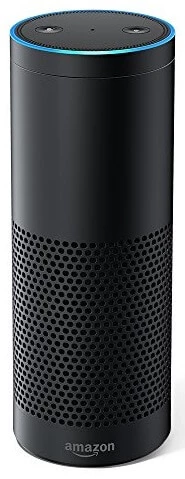
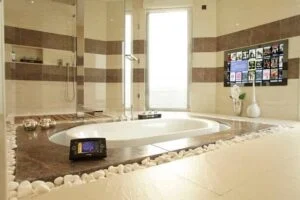
Bathrooms, kitchens and gyms are the rooms where voice control consistently earns its place. In a kitchen or bathroom, hands are frequently wet, full, or otherwise occupied — being able to say “Alexa, next track” without touching anything is a genuine convenience rather than a novelty. In a home gym, someone mid-set on a treadmill or working through a routine can issue a command without breaking stride or fumbling for a physical control. Lying in the bath and asking for a different track or a lower light level, without needing to reach for a device at all, is exactly the kind of moment voice control was built for.
For a touchpanel-driven living room or cinema, however, a proper interface usually remains the better choice for most day-to-day control — selecting a film, adjusting a lighting scene precisely, or navigating a film library is faster and more reliable with a touchpanel or app than with a voice command. We treat voice control as a genuinely valuable addition to a Crestron system, not a wholesale replacement for it.
Voice also suits the moments at the edges of the day. From bed, a single phrase can turn off every light in the house, lower the blinds and set the heating back for the night, without anyone walking downstairs to check a keypad. A “good morning” command can do the reverse, opening the bedroom blinds, raising the lights gently and starting the radio in the kitchen. Arriving home with shopping, a spoken request can bring up the kitchen lights and music before the bags are down. None of these moments needs a detailed interface — they need one clear command that runs a well-designed scene, which is exactly what a properly configured Crestron system provides behind the voice assistant.
Outdoor spaces work in much the same way. On a terrace, by the pool or in a garden kitchen, phones and tablets are better left indoors, and with a microphone covering the space, a spoken request to change the music or adjust the garden lighting is simpler than walking back inside to a keypad. The key in every case is that the command maps to something the household genuinely wants to happen in one step, rather than a sequence of fine adjustments that would be quicker to make by hand. Scenes built for voice are usually the same scenes that sit on the keypads, so the household learns one set of names and uses it everywhere.
The same principle applies to accessibility. For clients with limited mobility or dexterity, voice stops being a convenience and becomes the primary way of interacting with the home, and a conversational voice platform can be the difference between genuine independence and relying on someone else to operate every light, blind and piece of AV equipment.

Crestron

Smart Home

Multi-Room Audio

Lighting Control

Climate Control
Crestron Integration with Alexa, Siri and Google Home
Crestron Home integrates natively with Amazon Alexa, Google Assistant and Apple Siri, giving voice control of lighting, climate, AV and more directly through whichever platform a household already uses. We have extensive experience integrating all three into a Crestron Home Automation system, going beyond the basic skill or routine that a standalone Echo or Google Home device offers on its own. Once integrated, switching on lights, adjusting the temperature or controlling the audio video system throughout the home is all achievable by voice — coordinated through the same Crestron programme that drives every keypad and touchpanel in the property.
The difference between a good and a poor voice installation is almost entirely in the Crestron configuration underneath. Voice assistants act on the names they are given, so rooms, lights, blinds and scenes need names that people will actually say — “kitchen”, “evening”, “cinema” — rather than the circuit references used on an electrical drawing. Well-designed scenes matter even more: “Alexa, turn on evening” is only useful if “evening” has been built to set the lighting, blinds, music and climate in that room exactly as the household likes them.
How the Integration Is Set Up
In Crestron Home, voice control is configured at the processor. The installer selects the voice service and region, registers the system through Crestron’s admin portal, and links the household’s Amazon account to the control processor. Voice control is then enabled device by device, so individual lights, shades and other loads are only exposed to the assistant if they have been deliberately switched on for voice — Crestron allows up to 300 voice-enabled devices on a Crestron Home system with Amazon Alexa, which comfortably covers even very large homes.
Siri works in a slightly different way. Crestron Home supports Apple Shortcuts, which can run any Crestron Home Quick Action or Scene; once a shortcut has been created, it can be triggered from the Shortcuts app, from an Apple Watch or by asking Siri to run it by name. The iPhone or Apple Watch giving the command must be connected to the same local network as the Crestron Home system, which makes Siri shortcuts best suited to control within the house rather than from outside it.
Josh.ai — Voice Control Built Specifically for Crestron
For clients who want a more capable and more natural voice experience than a standard Alexa or Google Assistant skill provides, Josh.ai is a voice control platform built specifically around deep Crestron integration. Where a standard voice assistant requires fairly rigid phrasing, Josh.ai understands room context and handles more conversational requests — “play the news in the kitchen” or “it’s a bit warm in here” — without the household needing to learn a fixed command structure. It is a particularly effective option for clients who want voice control to feel like a natural part of the home rather than a separate gadget layered on top of it, and is genuinely valuable for clients with limited mobility or dexterity, where a more conversational and forgiving voice interface meaningfully increases independence. Read more about Crestron, accessibility and Josh.ai →
Josh.ai integrates with Crestron Home through a built-in authentication token rather than through the standard voice control settings used for Alexa, and it brings its own hardware. The Josh Nano is what Josh.ai describes as the world’s first architectural microphone: at 42mm square and 3mm deep it is barely larger than a coin, powered over Ethernet, and designed to disappear into the room rather than sit on a worktop. The Josh Micro can be placed anywhere in the home, and the Josh app on iOS and Android gives the household the same control from a phone.
For many households privacy is the deciding factor. Josh.ai states that household data is never shared for marketing purposes or sold for third-party advertising, and the Josh Nano has a physical disconnect switch that disables its microphones completely. That combination — discreet architectural hardware, a conversational interface and a clear privacy position — makes Josh.ai particularly well suited to clients who want voice control throughout a Crestron home rather than in one or two rooms.
Where Voice Falls Short
Voice is poor at anything that involves browsing or fine adjustment. Choosing a film from a large library, setting a lighting level precisely or balancing audio across several zones is quicker on a touchpanel than through a string of spoken corrections. Voice also struggles in rooms full of conversation or music — a dinner party, a busy family kitchen, a cinema mid-film — where a command competes with everything else being said, and where interrupting the moment to speak to the house rather defeats the point.
Guests, housekeepers and other domestic staff are another consideration. They will not know the names of every room and scene, and they should not need to. A clearly labelled keypad by the door or a simple touchpanel page works for everyone on the first attempt, which is why we always design the physical controls first and treat voice as a layer on top of them rather than a replacement for them.
Voice Control and Accessibility
For clients with a disability, reduced mobility or age-related limitations, the value of voice changes completely. Josh.ai understands which room a request is coming from and what sources are available there, so a client can ask for the news in the kitchen without specifying a device, an app or a precise command. Combined with automated doors, gates and access control, and with intercom and camera integration that lets a client see and speak to a visitor and grant access without reaching the door, voice becomes the primary way of living in the home independently.
Beyond voice, Crestron keypads and touchpanels can be built around large, clearly labelled single-button macros rather than layered menus, with touchpanels mounted at a height that suits the client’s actual reach and seating position. A system can also be configured to recognise unusual patterns — a room that has registered no activity for an unusually long time, for instance — and alert a family member or carer without resorting to constant camera monitoring. Our Crestron accessibility guide covers this in more detail.
Designing Voice Control into a Project
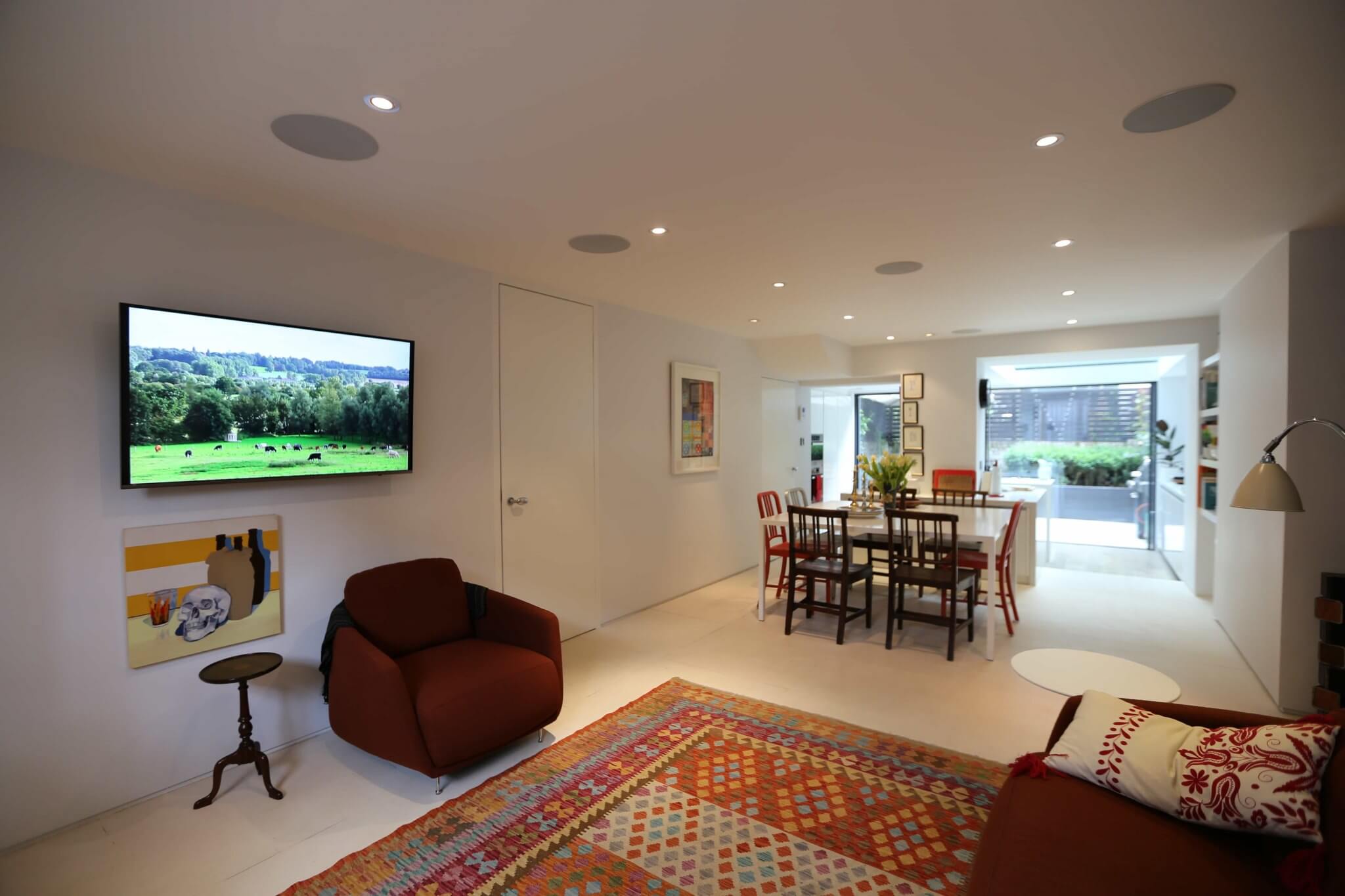
We plan voice control alongside the rest of the system rather than adding it at the end. That means deciding which rooms genuinely benefit — typically kitchens, bathrooms, gyms, bedrooms and any space where an accessibility brief applies — and positioning microphones where they will hear the room clearly rather than where they are easiest to fit. Microphones sited next to in-ceiling speakers, extract fans or the kitchen hob struggle to separate a command from background noise, so we coordinate their positions with the audio and lighting layouts at the design stage.
A reliable network is equally important, because a voice command is only as dependable as the connection between the microphone, the voice service and the Crestron processor. Our network designs treat voice devices as part of the control system rather than as consumer gadgets on the guest WiFi. At handover we test the phrases the household will actually use in every room, adjust names and scenes where they do not feel natural, and make sure every function remains available from keypads and touchpanels, so voice is always an addition and never the only way to operate the home.
Frequently Asked Questions — Crestron Voice Control
Which rooms benefit most from voice control?
Bathrooms, kitchens and home gyms consistently benefit the most — situations where hands are wet, full or otherwise occupied. For touchpanel-driven rooms like a living room or cinema, a proper interface usually remains faster and more precise for everyday control.
Can Crestron work with Alexa, Google Home and Siri at the same time?
Yes. Crestron Home integrates natively with all three platforms, and a household can use whichever voice assistant it already prefers without needing to standardise on one.
Can Siri control a Crestron Home system?
Yes. Crestron Home works with Apple Shortcuts, so a shortcut can run any Crestron Home Quick Action or Scene, and Siri can run that shortcut by name from an iPhone or Apple Watch. The device giving the command needs to be connected to the same local network as the Crestron Home system.
What is Josh.ai and how is it different from Alexa or Google Assistant on Crestron?
Josh.ai is a voice control platform built specifically around deep Crestron integration, understanding room context and handling more natural, conversational requests than a standard voice assistant skill — particularly valuable for accessibility-focused installations.
Can voice control be switched off for privacy?
Yes. Voice control is enabled device by device in Crestron Home, so it can be limited to the rooms and functions a household actually wants. Josh.ai’s Josh Nano microphone also has a disconnect switch that disables its microphones completely, and every light, blind and AV source remains fully controllable from keypads, touchpanels and the app regardless.
Custom Controls have been integrating voice control into Crestron systems since the technology first became viable. Contact us to discuss the right voice control setup for your home.
Crestron Home Automation → · Smart Home Automation → · Crestron for Accessibility → · Contact Us →