Smart Lighting Design Guide — How to Specify Modern Lighting Control for Your Home
Scene-based lighting, colour tuning, wireless integration and the architecture behind responsive smart lighting systems
Smart lighting is not a string of wireless bulbs plugged into a smartphone app. It’s a designed system: carefully specified dimmer modules, colour-tuning processors, scene logic that responds to time of day and activity, and infrastructure that integrates with security, climate, and entertainment systems. This guide covers how modern smart lighting works, how to design it for your property, and what separates residential systems from consumer DIY.
From Dimmers to Smart Scenes
The evolution of residential lighting control has moved through three distinct generations:
Generation 1: Dimmer Switches. A dimmer installed at the wall dims a single lighting circuit. One dimmer per light, one control per dimmer. Fast, reliable, limited. This is still the lowest-cost option and remains perfectly adequate for many residential applications.
Generation 2: Scene-Based Control. Multiple dimmers networked together, with scene presets that set all lights in a room to specific brightness levels simultaneously. Press “Dinner” and the overhead dims to 40%, the accent lighting comes up to 60%, the kitchen counter brightens to 100%. This is a major step up in functionality and what most residential installations now target. Lutron RadioRA 3 and Philips Hue are examples, though with very different infrastructure requirements.
Generation 3: Responsive Smart Lighting. Lights that respond to time of day, occupancy, natural daylight, activity, and integrate across home systems. Scenes adjust automatically based on external factors. Colour temperature shifts warmer in the evening to support circadian rhythm, brighter in the morning to promote alertness. Lights dim when home cinema is playing, brighten when motion is detected in a hallway. This requires more sophisticated infrastructure but delivers an experience that feels genuinely intelligent.
Custom Controls typically specifies systems at Generation 2 or 3 for new installations, as the cost difference between a basic dimmer setup and a scene-based system is relatively modest and the usability improvement is substantial.
The Architecture of Smart Lighting Systems

Lighting Systems

Automation

Design

Lighting Design

Commissioning
Professional smart lighting systems operate on a straightforward architecture:
Power Infrastructure. Structured electrical circuits run to each lighting location. Each circuit connects to a dimmer module or relay module at a central location (equipment room, kitchen cabinet, etc.) rather than at the wall. The wall switch becomes a control input, not the power control itself. This centralization allows all dimming logic to run in one place rather than distributed across the house.
Communication Backbone. All dimmer modules and control devices communicate via a dedicated network—typically Crestron (wired or hybrid), Lutron (wireless RadioRA or wired Homeworks), or in simpler setups, standard Wi-Fi. This backbone carries scene commands, occupancy data, and status information between the control processor and each individual dimmer.
Control Processor. A central processor (Crestron DM-MD, Lutron HomeWorks, etc.) stores scene logic, manages automation routines, and handles integrations with other home systems. This processor is where you program “Living Room Dinner” (overhead 40%, accent 60%) and all the logic that connects lights to time, occupancy, or other triggers.
User Interfaces. Touchpanels (wall-mounted or handheld), smartphone apps, and voice commands all connect to the processor to send scene commands and receive system status. Unlike consumer systems where each bulb is individually controlled via app, professional systems operate at the room/scene level—press “Dinner” and 8 different lights respond simultaneously to their programmed levels.
Sensor Integration. Occupancy sensors, daylight sensors, and time-of-day logic feed data back to the processor. A hallway can automatically brighten when motion is detected. A living room can automatically dim as the sun sets. These automations run continuously without user intervention.
Smart Lighting vs Consumer Lighting Systems
The difference between a professional smart lighting installation and a DIY consumer system (Philips Hue, LIFX, Nanoleaf) comes down to infrastructure and integration:
Professional Systems
- Centralized dimmer modules in a single location (not at each light)
- Dedicated network backbone (not dependent on Wi-Fi reliability)
- Scene-based control (press one button, 8 lights respond to preset levels)
- Deep integration with security, climate, AV systems
- Colour temperature control in white light, not just RGB consumer bulbs
- Operates during Wi-Fi outages (dedicated local network)
- Professional calibration and support
Consumer Systems
- Individual wireless bulbs with no central infrastructure
- Dependent on Wi-Fi for every command
- Individual bulb control (tap each bulb in app, or create complex automation routines)
- Limited integration with other smart home systems
- Bulb-level color mixing rather than scene-level dimming
- Stops working if Wi-Fi drops
- Self-support via forums and app documentation
For most UK residential properties where long-term reliability and integrated smart home control matter, professional systems offer vastly better value. Consumer systems work well for rental flats or temporary setups where simplicity is more important than integration.
Lutron RadioRA 3 vs Lutron Homeworks QSX
Lutron is the most widely specified smart lighting system in residential installations. They offer two main platforms:
Lutron RadioRA 3. A wireless system with encrypted mesh networking. Each dimmer module communicates wirelessly to the central hub. Installation is faster because no dedicated control wiring is required—each module connects wirelessly. Cost-effective for retrofit installations or properties where running new cabling is difficult. Suitable for comprehensive control in most residential properties up to medium size (4-8 rooms with multiple lights per room). Our most common residential specification.
Lutron Homeworks QSX. A hardwired system where each dimmer module connects to a central processor via dedicated control wiring (4-wire or 8-wire runs). More robust than wireless, supports a larger number of devices and more complex automation logic. Typically specified for large installations (10+ zones), properties with high electrical noise environments, or where absolute reliability is paramount. Overkill for most residential properties but the right choice for very ambitious smart home projects.
For a typical London townhouse or Cheshire country property, Lutron RadioRA 3 delivers professional-grade smart lighting with significantly faster installation and no reliability compromise.
Colour Tuning in Residential Lighting
One of the most important features of smart lighting systems is colour temperature control. Unlike consumer RGB bulbs that mix red and green and blue LEDs (and produce a poor white light), professional smart lighting systems use white light sources and shift the colour temperature from warm (2700K in the evening) to cool (5000K in the morning).
Why this matters. Circadian rhythm—your body’s natural sleep/wake cycle—is regulated partly by light colour temperature. Exposure to cooler (bluer) light in the morning promotes alertness and reinforces the wake cycle. Exposure to warmer (redder) light in the evening supports melatonin production and sleep. A smart lighting system that automatically shifts colour temperature throughout the day supports better sleep and energy patterns without conscious effort.
Scene-based colour tuning. Beyond automatic circadian adjustment, you can manually tune colour temperature for specific activities. A morning scene might be 5000K (cool white, alert). A living room dinner scene might be 3000K (warm, intimate). A kitchen working scene might be 4000K (neutral, task-focused). Professional systems allow you to specify both brightness and colour temperature for each scene—consumer bulbs typically only control brightness per bulb.
This is not a minor feature—it’s one of the clearest differences between a system designed by an architect vs one assembled from consumer products.
Lighting Design Principles for Smart Homes
A well-designed smart lighting system starts with understanding how each room is actually used:
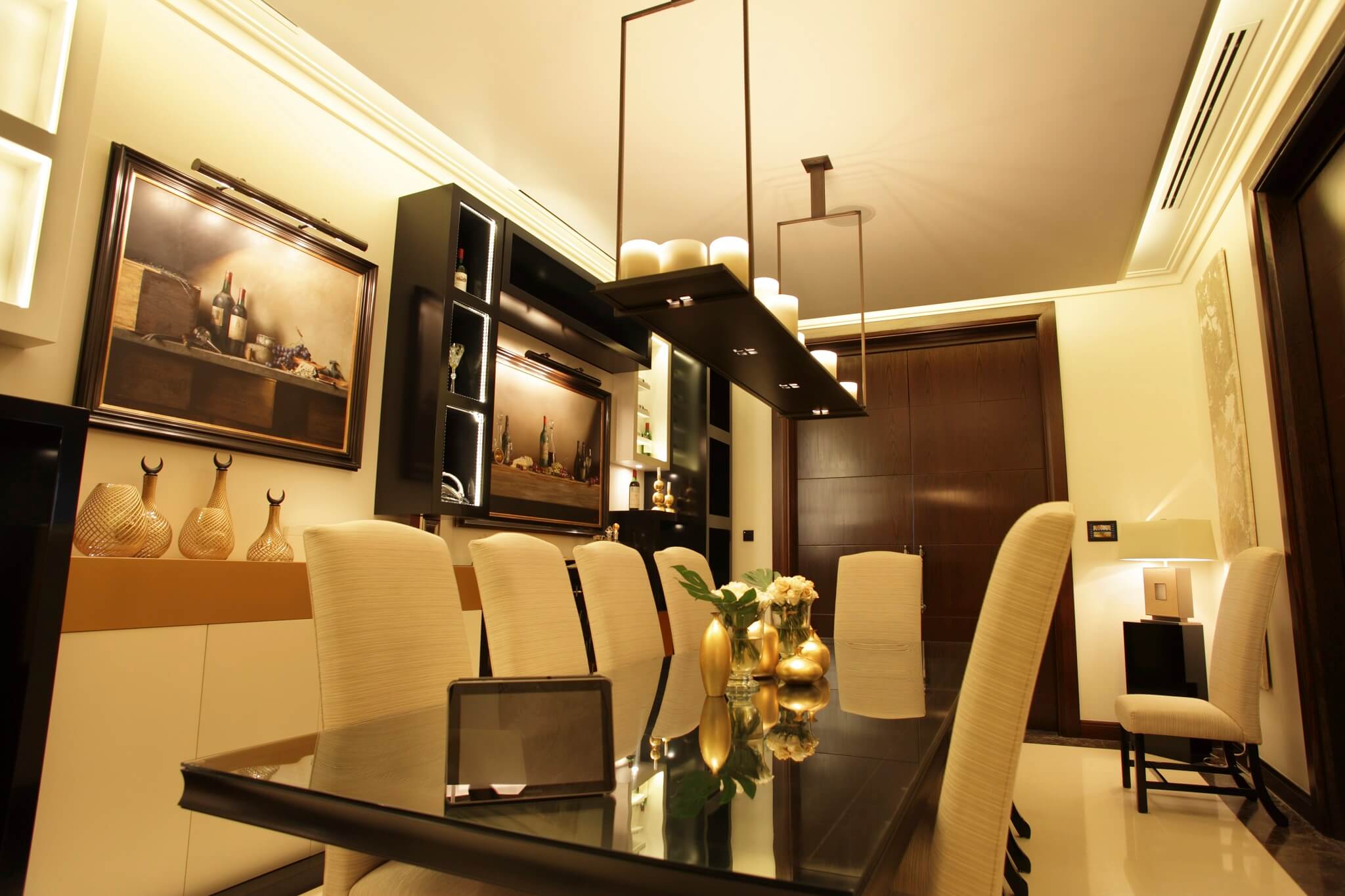
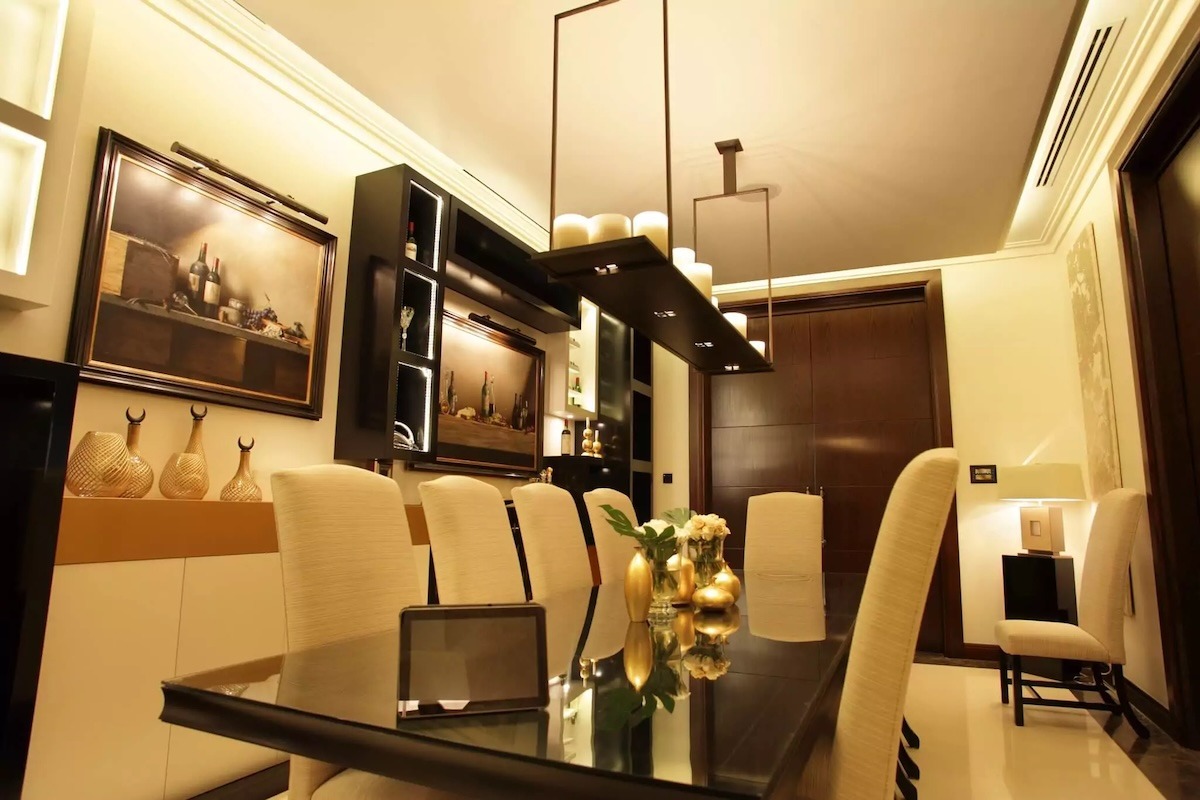
Living Room/Entertaining Space. Typically needs 3-4 distinct scenes: everyday (all lights 75%), entertaining (accent lighting 100%, overhead 40%), dinner (overhead 20%, accent 60%, warm colour), movie (all lights off except one pathway light at 10% for safety). Each scene targets a different activity and mood.
Bedroom. Morning (cool white, 5000K, 80% brightness to promote waking), day (neutral 4000K, 60%), evening (warm 2700K, 30%), sleeping (all off with a single “night light” at 5% for safe navigation). A well-designed bedroom lighting system supports healthy sleep patterns through colour and brightness timing.
Kitchen. Task lighting for cooking (cool white 4000K, 100% brightness), ambient for family meals (warm 3000K, 70%), evening (warm 2700K, 40%). Separate control of overhead, island, and under-cabinet lighting allows each zone to be dimmed independently.
Hallway/Circulation. Occupancy-responsive lighting that brightens when motion is detected (50% brightness, cool white for alertness) and dims to 10% after 2 minutes of no motion. This provides safety at night without disrupting sleep if someone needs to move through the house.
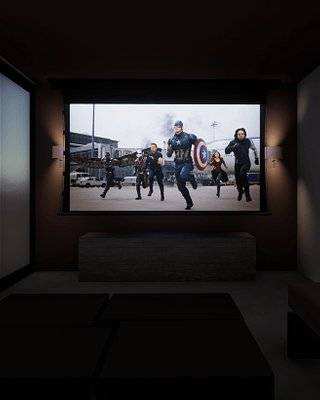
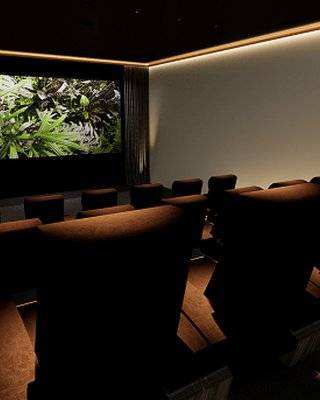
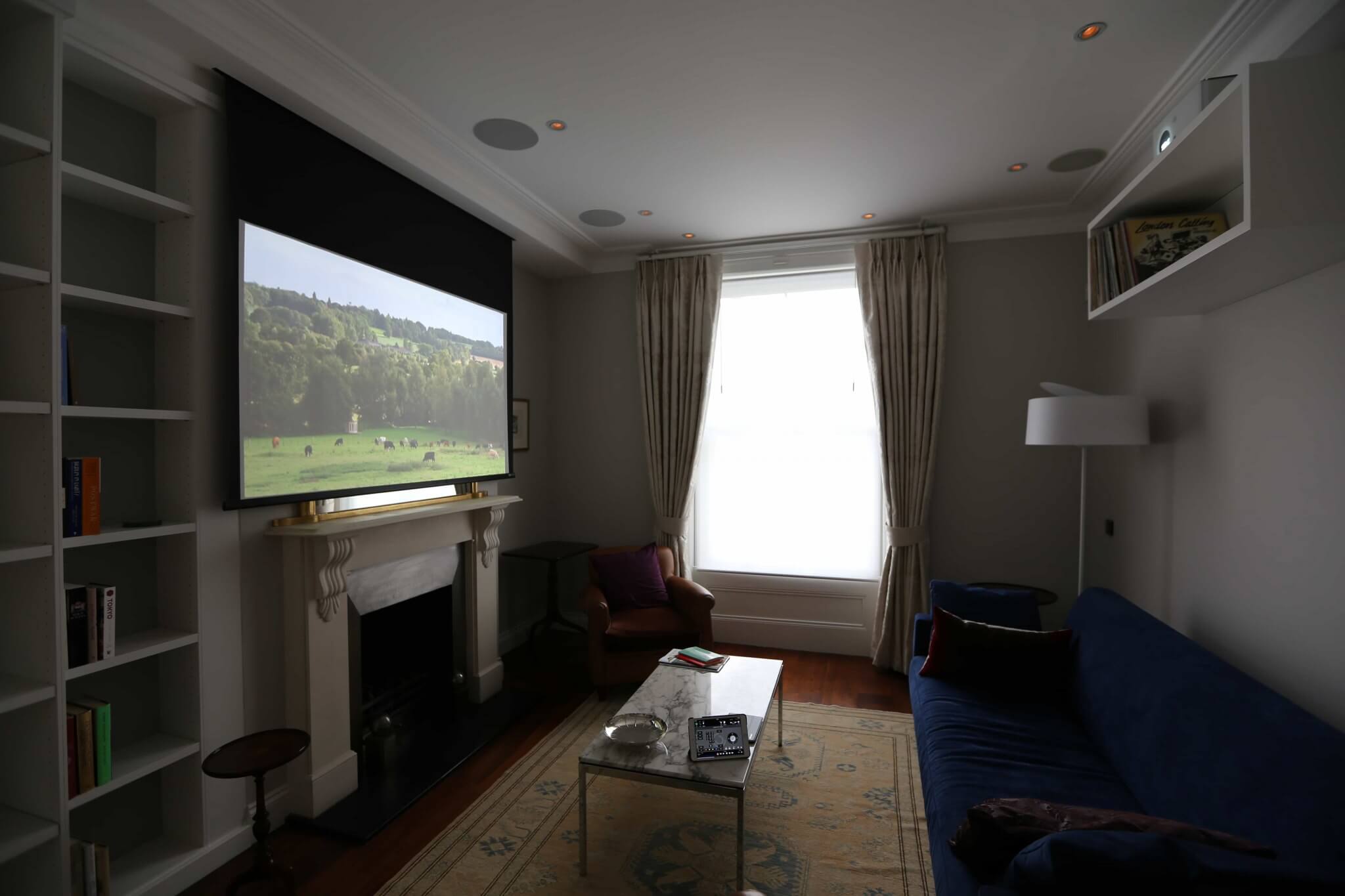
Home Cinema. Cinema lighting is a subset of smart lighting design. All ambient lights fade to 5% and shift to red (not visible on screen) during video playback. Subtle floor lighting provides safe navigation if someone needs to leave. When playback stops, lights return to previous levels over 3 seconds. This is automatic—pressing play on the cinema pauses all other systems and controls the lighting without conscious effort.
For room-by-room ideas, see our guides to kitchen lighting, garden and landscape lighting, hallway and staircase lighting and bookcase and joinery lighting.
Integration: How Smart Lighting Connects to Other Systems
The real power of professional smart lighting emerges when it integrates with other home systems:
Security Integration. When the security system arms for the night, lighting automatically shifts to night mode (5% pathway lights only). When a door or window sensor triggers an alarm, all lights flash to maximum brightness and warm white to indicate the alert.
Climate Integration. Lighting integrates with HVAC and blinds control. When natural daylight is strong, blinds open and overhead lights dim to avoid overheating and unnecessary energy use. When the sun sets and outdoor temperature drops, blinds close and lighting takes over, preventing the cold exterior from being visible through the windows.
Entertainment Integration. When your home cinema system begins playing, all lights in the viewing room fade to cinema mode (dim red lighting). When playback stops, lights return to the previous scene over 3 seconds. When music starts playing via your whole-home audio system, specific rooms shift to an “entertainment” scene automatically.
Voice Control. “Alexa, set the living room to dinner” sends a scene command to the Lutron processor, which simultaneously adjusts overhead to 20%, accent lighting to 60%, and shifts colour temperature to warm white. Unlike consumer bulbs where voice commands often control individual bulbs one at a time, professional systems respond to scene-level commands—your voice instruction coordinates multiple lights simultaneously.
Installation Timeline for Smart Lighting
A comprehensive smart lighting system for a London townhouse typically follows this timeline:
Week 1-2: Design consultation, room-by-room lighting plan, scene specification, control processor selection
Week 3-4: Electrical infrastructure installation (new circuits from panel to each room, runs to central equipment location) and dimmer module installation
Week 5-6: Network infrastructure installation (RadioRA mesh network setup or Homeworks hardwiring), touchpanel mounting, smartphone app provisioning
Week 7: Scene programming and testing (each scene manually verified), colour temperature tuning, automation rule setup
Week 8: Final commissioning, user training, documentation
Total: approximately 8 weeks from design to full deployment
Simpler systems (lighting control only, no automation or integration) can complete in 4-6 weeks. Systems with climate and security integration extend to 10-12 weeks.
What Affects the Cost of Smart Lighting
The cost of a professional smart lighting system in a London townhouse depends on a handful of clear drivers, and we provide a free, detailed quotation once we understand your property and brief:
Lutron RadioRA 3 (typically 12-16 dimmer zones) — the main cost components are:
- Central hub and processing
- Dimmer modules, scaled to the number of zones
- Touchpanels, occupancy sensors and wireless wall switches
- Electrical infrastructure and installation labour
- Programming and commissioning
Lutron Homeworks QSX (typically 20+ zones) — a larger, hardwired system where the number of zones, the control wiring and the depth of integration all increase the scope.
The cost per zone decreases significantly as system size increases, so a larger system is more economical per zone than a small one. Other factors include the number of rooms, keypad and touchpanel choices, the extent of rewiring needed, colour-tuning fixtures, and how deeply lighting is integrated with security, climate and AV.
For comparison, installing basic dimmers in the same property (one at each switch location) is the lowest-cost route but provides no scene control, no integration, and significantly less usability. Professional smart lighting is a larger investment, and delivers far greater functionality and integration in return.
DIY Smart Lighting vs Professional Installation
Can I just use Philips Hue and call it smart lighting? Technically yes, but you’d miss most of the benefits. Hue bulbs are consumer products designed for simplicity, not integration. Each bulb is controlled individually via app or voice—there’s no scene-level control, no architectural integration, no reliability during Wi-Fi outages. If your property is temporary or rental, Hue makes sense. If you’re staying long-term and want genuine smart home integration, professional systems deliver far better value.
Why does professional installation take weeks when I could plug in Hue bulbs in an afternoon? Because Hue is a consumer product assembled into a space; professional lighting is an integrated system designed specifically for your property. The weeks of installation time are spent planning circuits, installing infrastructure, programming scenes, testing integrations, and commissioning the system to your specific needs. Once complete, the system will work reliably for decades with minimal maintenance. Hue systems become increasingly troublesome as your needs evolve.
Professional Lighting Design Service
Every property deserves lighting designed specifically for how it’s actually used. Our lighting design service begins with an in-depth consultation to understand your daily routines, which rooms matter most, and how you want different spaces to feel at different times of day.
We produce a complete room-by-room lighting specification for your property: which zones make sense for your layout, what scenes are appropriate for each room, what colour temperatures support your circadian rhythm, and how lighting integrates with your climate, security, and entertainment systems. This specification then guides the installation process, ensuring every fixture, dimmer module, and automation routine works exactly as intended.
Our process covers everything: initial site survey, acoustic and visual assessment of each room, 3D renders showing how the system will look and feel, detailed cost and timeline estimates, professional installation with licensed electricians, complete testing and commissioning, and comprehensive training on operating your system. We stand behind the installation—if something isn’t working the way you expected, we come back and fix it.
Whether you’re designing lighting for a new build, retrofitting smart scenes into an existing property, or upgrading from basic dimmers to a fully responsive system, we have the experience to deliver. We’ve designed systems for London townhouses, Cheshire country homes, Alpine chalets, and commercial installations. Every one is unique because every home is unique.
Learn more about our lighting design service → · Lutron Installer London →
Getting Started with Smart Lighting
A smart lighting design consultation begins with understanding your property, your lifestyle, and your integration priorities. Do you want simple scene control? Do you want circadian-aligned colour tuning? Do you want integration with climate, security, and entertainment? These questions drive the system specification.
Custom Controls produces a room-by-room lighting plan for every property: which zones make sense, what scenes are appropriate for each room, what colour temperatures support your daily rhythm, how lighting integrates with other home systems. We then specify the appropriate control platform (RadioRA 3 for most residential properties, Homeworks QSX for more ambitious installations) and manage the complete installation process.
Explore our smart lighting design services → or contact us to discuss your property →
Frequently Asked Questions — Smart Lighting
Can I retrofit smart lighting to my existing home?
Yes. We can install new circuits from your electrical panel to each room and install dimmer modules at a central location. This requires some rewiring but doesn’t require replacing existing light fixtures.
What if I rent my property?
Smart lighting systems can be designed to work within rental restrictions. Wireless systems (RadioRA 3) require minimal infrastructure changes. Systems can be programmed to revert to basic on/off if you need to remove them when leaving.
Can I start with basic lighting and add scenes later?
Yes. Professional systems are designed to scale. You can start with single-zone dimming and expand to multi-scene control as your needs evolve. The core infrastructure supports future expansion.
How does smart lighting integrate with voice assistants like Alexa?
Professional control processors integrate with Alexa, Google Home, and other voice platforms via standard APIs. Voice commands can trigger scenes (“Alexa, set the living room to movie mode”) or control specific dimmer zones.
What’s the lifespan of a smart lighting system?
Professional-grade systems typically remain current for 10-15 years. Dimmer modules rarely fail. Software updates and new integrations extend lifespan further. Far longer than consumer bulb replacements.