Crestron Audio & Video Distribution: DigitalMedia, NAX & Professional Network Architecture
Crestron AV Distribution for Luxury Homes
Published July 2026 · Custom Controls · Crestron Audio Video
Whole-home audio and video distribution is one of the first things to go wrong when a large house is fitted out with consumer equipment. A source in one cupboard feeds a television two floors away through a chain of HDMI extenders, wireless transmitters and splitters, and every link in that chain is a place where the picture can drop out or refuse to start. Crestron approaches the problem differently: it treats both video and audio as network traffic, and it controls them from the same platform.
Three Crestron product families come up in most of our design conversations. DigitalMedia, and its current AV-over-IP form DM NVX, distributes video. DM NAX, which has replaced Sonnex, distributes audio over the same kind of network. Crestron Home sits over both and gives the household a single way to choose a room and a source. They are often confused, and the confusion leads to poor specification, so this guide sets out what each one does, what it needs from the network and when it is the right answer. It also explains the move from Sonnex to NAX for owners who still have an older system.
Why Consumer AV Distribution Falls Short
Most homes begin with HDMI. Passive HDMI cables become unreliable as the run gets longer, and at 4K the limit arrives sooner than many people expect, so a large house needs active cables, extenders or fibre. Each of those adds a device, a power supply and another point where an HDCP handshake can fail. A source that works on one television can behave differently on another because the two displays report different capabilities to the same box.
Wireless casting is the other common approach. AirPlay, Miracast and similar protocols are good for a guest who wants to show a photograph, but they share the household WiFi, so a busy network or a change of band can interrupt a film. They are not a sound basis for a permanent installation in which the cinema, the kitchen and the principal bedroom all need dependable pictures.
The usual outcome is a house in which some rooms only work with some sources, guests cannot easily connect, and the equipment cupboard needs a visit whenever something stops. Network distribution avoids most of this because it replaces point-to-point cabling with a switched network in which every source and every display is an endpoint.
DigitalMedia and DM NVX: Video as Network Traffic
DigitalMedia converts HDMI sources into data that travels over standard Ethernet cabling. A transmitter at the source encodes the signal, a receiver at the display decodes it, and everything in between is a network switch. Crestron’s DM NVX range, introduced in 2017, carries 4K60 4:4:4 HDR video over a standard 1 Gigabit Ethernet network using low-latency compression, and Crestron describes it as a software-defined matrix that can be scaled to as many endpoints as the network allows.
Three consequences follow from that design. Routing is done in software, so any source can be sent to any display, or to several displays at once, from the control system. Adding a room means adding a network connection and an endpoint rather than a new set of cables back to a central matrix. And because the transport is Ethernet, the infrastructure behind it is the kind of standard cabling that can outlast several generations of source equipment, although the endpoints themselves are updated through firmware as standards change.
The security features also matter in a high-value house. DM NVX devices support 802.1X authorisation, so only approved devices can join the video network, and the control connection to Crestron processors uses an encrypted protocol. Crestron’s encode and scale process happens in one step, which is how it keeps the delay between source and screen small enough that people do not notice it during normal viewing.

Multi-Room Audio

Crestron

WiFi & Networks

Smart Home

Home Cinema
DM NAX: Multiroom Audio on the Network
DM NAX is Crestron’s audio-over-IP platform and the successor to Sonnex. Where Sonnex used a central matrix with a one-wire link to expansion units, NAX puts audio on the same kind of switched network as the video. Crestron states that a single DM NAX system can distribute audio between 32 NAX devices and support up to 256 audio output zones, and that its devices can pull and distribute audio from DM NVX sources, so a soundtrack carried on the video network can be sent to any audio zone.
The range is modular. Network amplifiers such as the DM-NAX-8ZSA and DM-NAX-4ZSA-50 and the flexible-output DM-NAX-AMP-X300 power the speakers, the DM-NAX-4ZSP provides zone outputs for use with separate amplification, and encoders such as the DM-NAX-16AIN bring local stereo sources onto the network. Crestron also makes wall-plate units that take power and audio over a single Ethernet connection. Because the amplifiers are network devices, they can sit near the speakers they feed, which reduces speaker cable runs and removes the need for one large amplifier rack.
NAX also works with other audio-over-IP standards. The X300 amplifier sends and receives Dante and AES67 streams as well as NAX, which matters in a house that includes third-party processors or a dedicated music room. Control is through Crestron Home OS or custom Crestron programming, and the amplifiers appear in the same interface as lighting, shading and video. Which NAX components suit a house depends on the number of zones, the speakers and the amplification each room needs, and we specify them at design stage.
Sonnex to NAX: Existing Systems
Sonnex was widely specified in larger Crestron homes, and an installed system remains a capable one in service. Because Sonnex has been replaced by NAX, the question for an owner is usually whether to keep it running or to move to network audio. For a house that is working well, we integrate Sonnex into the same Crestron programming as the video system and keep it supported. When a project involves substantial rewiring, new rooms or a network upgrade, moving the audio to NAX is worth considering at the same time, because the network is already being designed.
The Network Comes First
Because DM NVX and DM NAX put video and audio on the network, the network becomes part of the AV system. Crestron specifies standard gigabit infrastructure for it, and the practical requirements follow from that: managed switches, a correctly configured multicast setup, enough bandwidth between switches and a design that keeps the video traffic away from everything else in the house.
Wired backbone. Every encoder, decoder, processor and the core network equipment connects by cable. The cable routes are planned in the design stage, and in new building work the containment is installed while walls and ceilings are open.
Managed switching. A managed switch with VLAN support, quality-of-service settings and monitoring allows the AV traffic to be separated from general internet use. A film in the cinema then never competes with a laptop download on the same network.
WiFi as a separate layer. Personal devices and guests use WiFi, and the AV distribution does not rely on it. Congestion on the wireless side therefore cannot affect the pictures.
Resilience. Remote access and updates depend on an internet connection, so where the property needs it we add a second connection, such as a mobile or secondary fixed line, to keep the system reachable if the main provider has an outage.
We treat the network as seriously as the AV equipment, because a well-chosen DM NVX system on a poorly designed network will behave like cheap equipment. Our networking and WiFi service covers the design, installation and commissioning of this layer alongside the AV.
Managed WiFi and Separate Networks
Once a wired backbone is in place, wireless can be added on top of it properly. Managed systems such as Ubiquiti UniFi allow several separate networks, for example one for AV and control equipment, one for the household’s own devices and one for guests. Each has its own security rules and bandwidth allocation, and a guest downloading a large file or a child streaming in a bedroom does not affect the cinema or the control system.
For Crestron Home, a managed network also makes secure remote access practical. The owner can check cameras, adjust the heating or switch off equipment from abroad, with access logged and encrypted. Professional access points are placed according to a survey, with coverage planned room by room, not left to the position of the broadband router.
Control: Crestron Home Across Every Zone
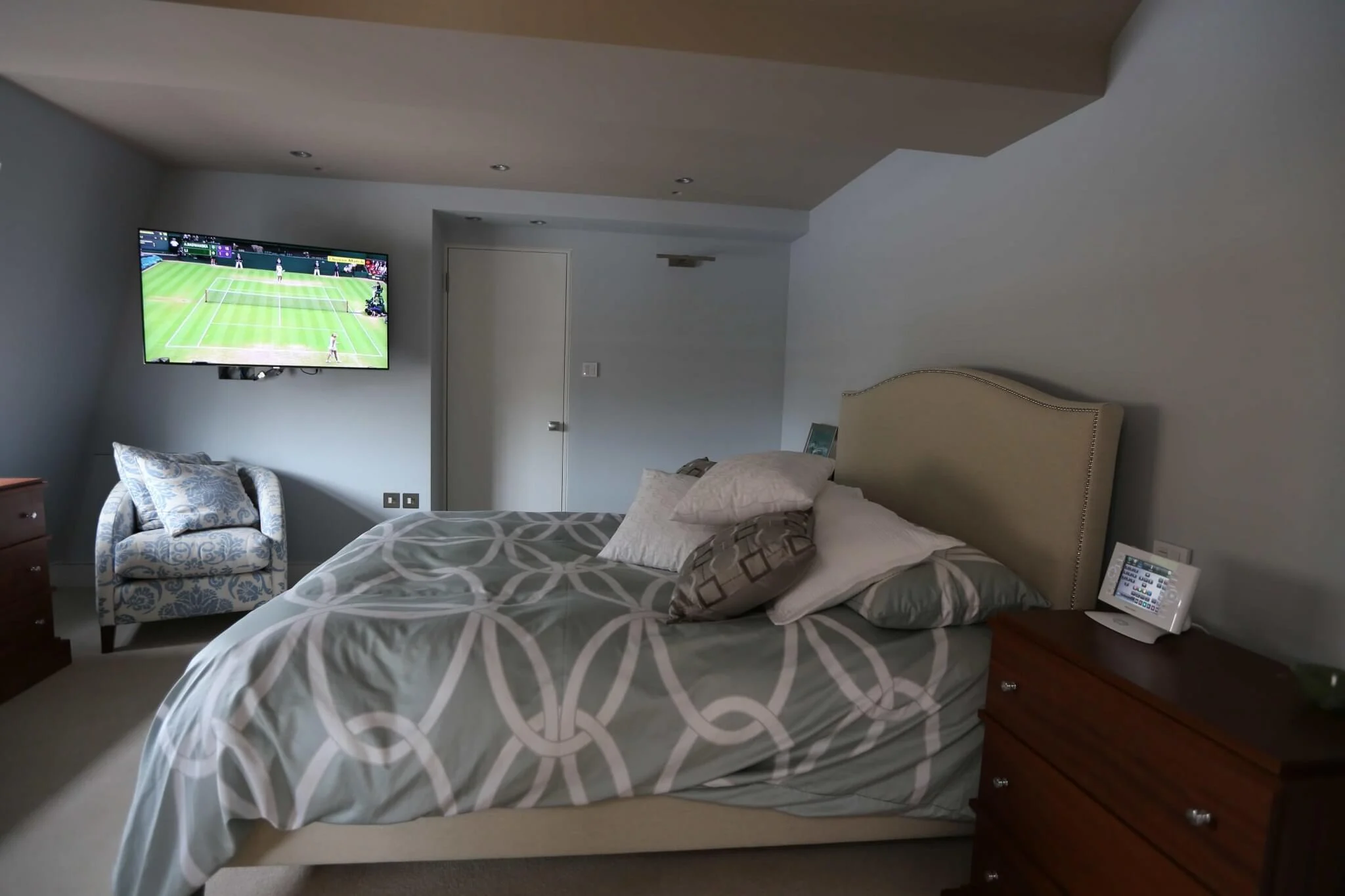
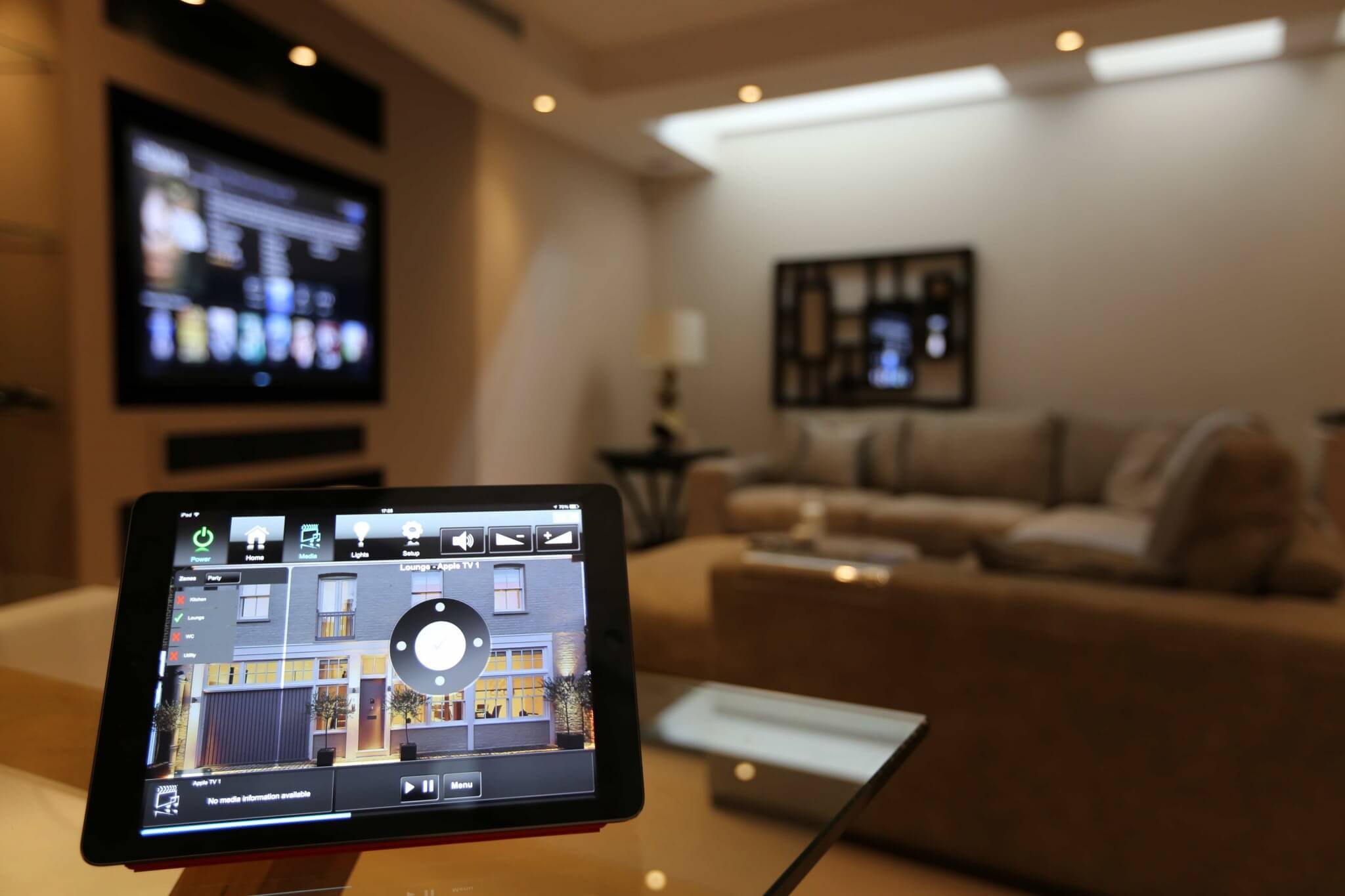
DigitalMedia, DM NVX and DM NAX do the distribution, but the household never operates them directly. Crestron Home presents every source in the house on one interface. From a touchpanel in the living room, selecting the room and then Sky routes that source to the living room television, switches on the equipment and recalls the appropriate settings. There is no manual switching and no uncertainty about which HDMI input is selected.
Scenes combine many actions. A “Movie Night” scene can dim the lighting, close the motorised blinds, select the Kaleidescape server on the projector and set the audio processor, all from one press. The same interface handles lighting, climate, shading and security, so the household learns one way of controlling the house. For guests, a simplified interface can show only rooms and sources.
Beyond AV, Crestron Home covers the wider smart home. Lighting can run on Crestron’s own wireless system or on a wired Lutron system for large installations. Lutron Palladiom shading integrates fully, thermostats and HVAC are controlled by room, and intercom, door locks and CCTV can be brought into the same interface.
Crestron Compared With the Alternatives
Simple HDMI or RF switching. Works within a room or a pair of rooms. It becomes complicated beyond that, needs line of sight for RF remotes and does not link to lighting or climate. Crestron scales across the whole house and is controlled centrally.
Wireless casting. Useful for guests, and we include AirPlay where it helps, but a permanent installation should not depend on it. Delay and dropouts on a busy network make it a poor choice for the cinema or a principal room.
A streaming box in every room. A workable solution for a flat, but each box needs its own account and remote, local sources such as Sky or Kaleidescape cannot be shared, and there is no central control. Crestron treats the house as one system and shares every source with every room.
Traditional matrix switching. Older professional systems used large central matrices with a cable from every source and display. They are bulky and inflexible compared with a switched network, which is why AV over IP has largely replaced them in new installations.
Retrofit or New Build
DM NVX needs a network connection at every source and display, and NAX at every amplifier, so cable access decides how easily it can be installed. New building work and major renovations are ideal, because containment can be installed while the structure is open. In existing houses, new Ethernet runs may mean opening walls or using routes through lofts, basements and risers.
Some properties cannot accept that. In a listed or recently finished house, we survey the building first and plan routes that avoid damaging the interior, and where cabling is not possible a different approach, such as Crestron wireless lighting alongside a more limited AV scheme, may be better. We explain these trade-offs before any work starts so that the owner can choose with the facts in front of them.
When Network Distribution Is the Right Choice
Crestron network distribution is the right answer where there are several displays in different rooms, where sources in one place need to be available in another, and where the owner wants the system to behave consistently for years. It works best when cabling can be installed during the build, when the network is designed properly and when the whole house is controlled from a single platform.
Simpler arrangements are sensible in smaller homes. If there are two or three rooms, every source sits next to its display and the household is happy to operate each room separately, a simple local system can be perfectly adequate. For the larger houses we usually work on, with several living spaces, a cinema and a requirement for central control, we almost always recommend Crestron.
Questions We Ask at Design Stage
The first conversation covers where the sources will be and where the displays are, and whether any source should be available in any room, because that decides whether network distribution is needed. We also ask whether the property is under construction or already occupied, how many people will use the system and how often guests will need to connect their own devices.
From those answers we design a system for the specific house. Not every home needs DM NVX, but homes in which reliability and a clean installation matter will almost always benefit from it.
Why Professional Installation Matters
Network AV is not a DIY product. It depends on understanding video formats, HDCP, multicast, switch configuration and bandwidth, as well as the control programming that ties it all together. An installer who lacks these skills will deliver a system that works most of the time, and in a professional installation that is not acceptable.
Custom Controls has been a certified Crestron dealer and installer since 1998, and we are five-time Crestron Integration Award winners, which is unique in EMEA. We design the network, the AV distribution and the control programming as one system, and we test every source and display combination before handover.
Frequently Asked Questions — Crestron DigitalMedia & NAX
What is the difference between Crestron DigitalMedia and traditional HDMI switching?
Traditional HDMI switching sends the signal down dedicated cables, which become unreliable over long runs and need a new cable for every source and display. Crestron DigitalMedia, and in particular the DM NVX range, converts video to network packets and carries it over standard Ethernet, so any source can reach any display through a network switch. Routing is then a control-system function rather than a cabling one.
What is DM NAX, and what happened to Sonnex?
DM NAX is Crestron’s audio-over-IP platform for multiroom audio, and it has replaced Sonnex. It distributes audio over a standard managed network using network amplifiers, encoders and wall-plate units, supports up to 256 audio output zones in a single system, interoperates with Dante and AES67 and can draw audio from DM NVX video sources. Existing Sonnex systems continue to work and can be integrated into the same Crestron control programming.
Can Crestron DM NVX work without a professional network?
No. DM NVX and DM NAX send video and audio over the network, so they need managed gigabit (or faster) switching, properly configured multicast and a sensible network design. Crestron specifies a dedicated 1Gb copper or fibre network for the video traffic. A consumer router and unmanaged switches are not suitable.
How is a Crestron AV distribution system controlled?
Through Crestron Home or a custom Crestron interface. The household chooses a room and a source on a touchpanel, handheld remote, keypad or phone, and the control system handles the routing, switches on the equipment and recalls the correct settings. The user never has to know which encoder or decoder is involved.
Can I retrofit Crestron AV distribution into an existing home?
Yes, although it depends on cable access. DM NVX needs a network connection at each display and source, so retrofit work involves new Ethernet runs. It is easiest during building work, when walls and floors are open, but we also survey existing houses and plan cable routes that avoid damaging finished interiors.
What determines the cost of a Crestron AV distribution installation?
The number of rooms and displays, the number of sources, the network infrastructure required and how far the system is integrated with cinema, lighting and shading control. Larger houses with a cinema or Lutron lighting involve a larger scope. We provide a free, detailed, no-obligation quotation for every project.
Crestron Home Automation Dealer & Installer → · Crestron Audio Video Systems → · Crestron Programming → · Crestron Home: The Complete Guide → · Home Cinema Control Systems → · Why Your Home WiFi Fails → · Multi-Room Audio Video Systems →